
Choose Multiple voices
In the project overview, find Voices and select Multiple voices. One narrator uses the project voice throughout; switching modes does not require deleting your cast.
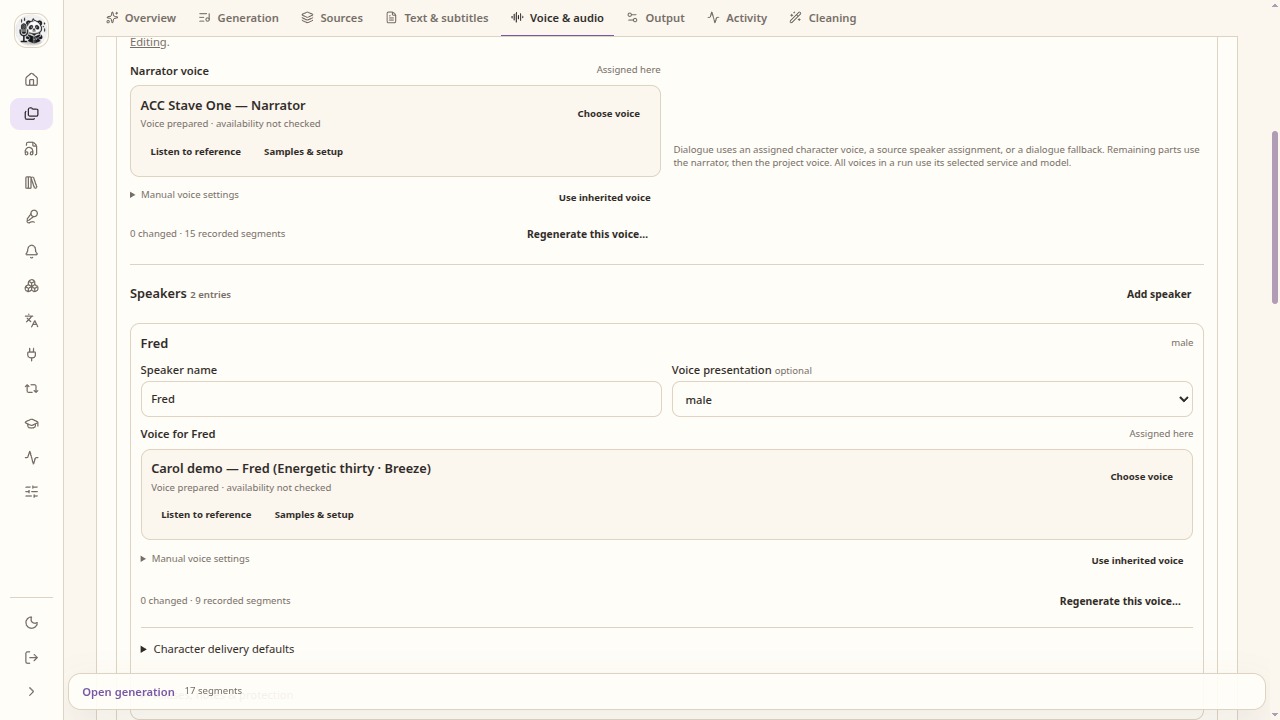
A narrator and character roles have their own references and assignments. Identify the speakers
Use existing source-speaker attribution when available. For a book, review dialogue attribution or assign it manually. Keep the narrator distinct from named characters and check a passage where the speaker changes.
Assign the cast
Bind each speaker or character to a voice. A compatible managed voice can be reused from the voice library. Check every role: an unassigned character can fall back to the narrator.
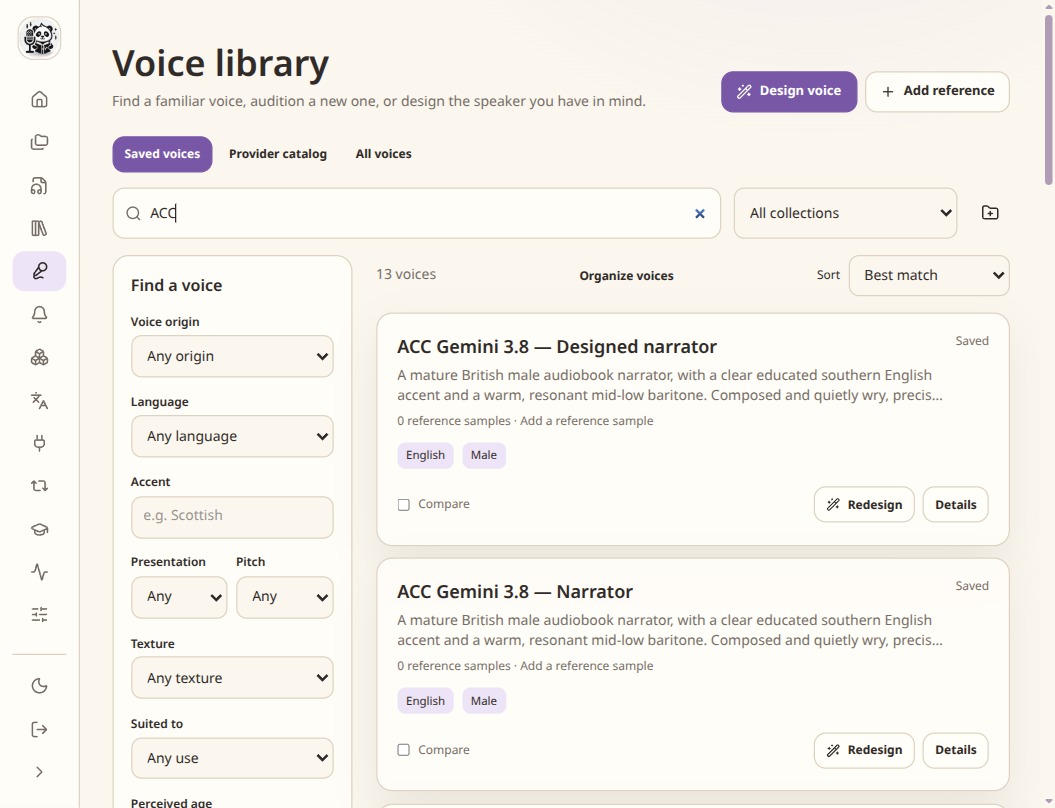
Saved references can be reused in compatible projects and models. Generate a short conversation
Generate a few consecutive lines and listen for speaker changes. Pandrator assembles separate requests for the cast; this does not require a model with native multi-speaker input. Adjust the cast, pauses or selected takes before the full run.
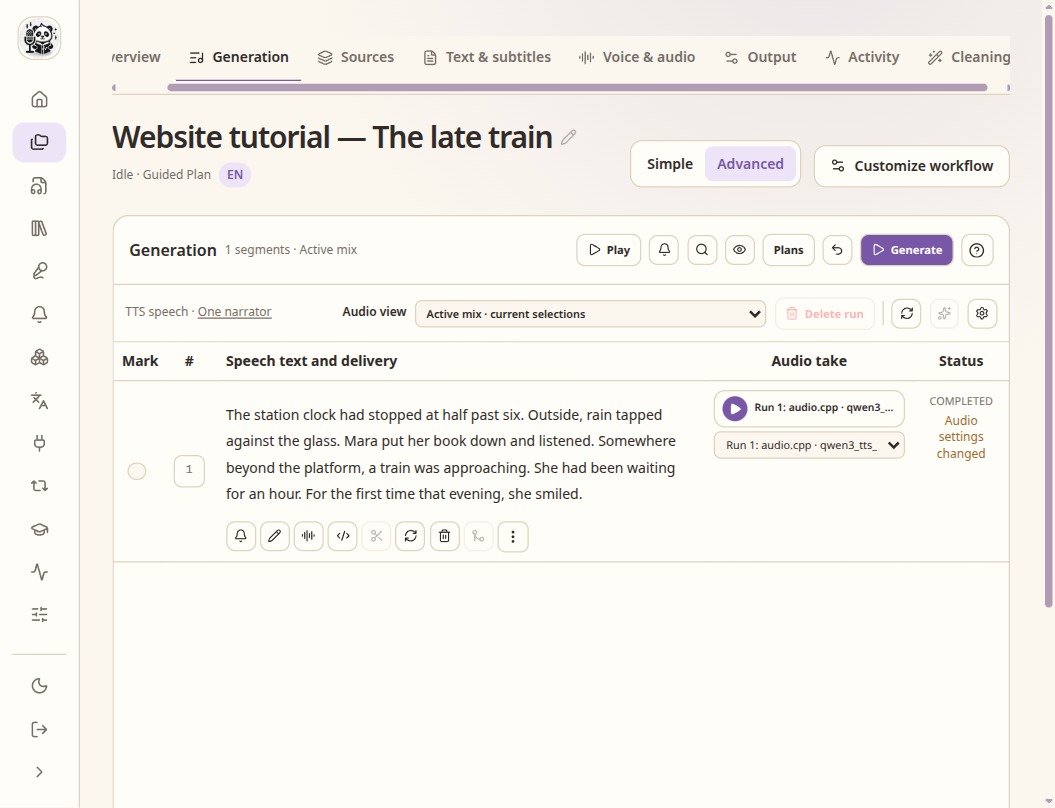
Check the speech text and the selected take before assembly.
Check the result
- Check who speaks each line, not just whether the voices sound different.
- Make sure the voices use a model and language they support.
- Keep voice assignment, pronunciation and acting directions as separate decisions.