
Open Voices
Use Voices in the left navigation. Create a named voice and import or record a reference sample. Collections help organise voices; they do not turn incompatible references into compatible ones.
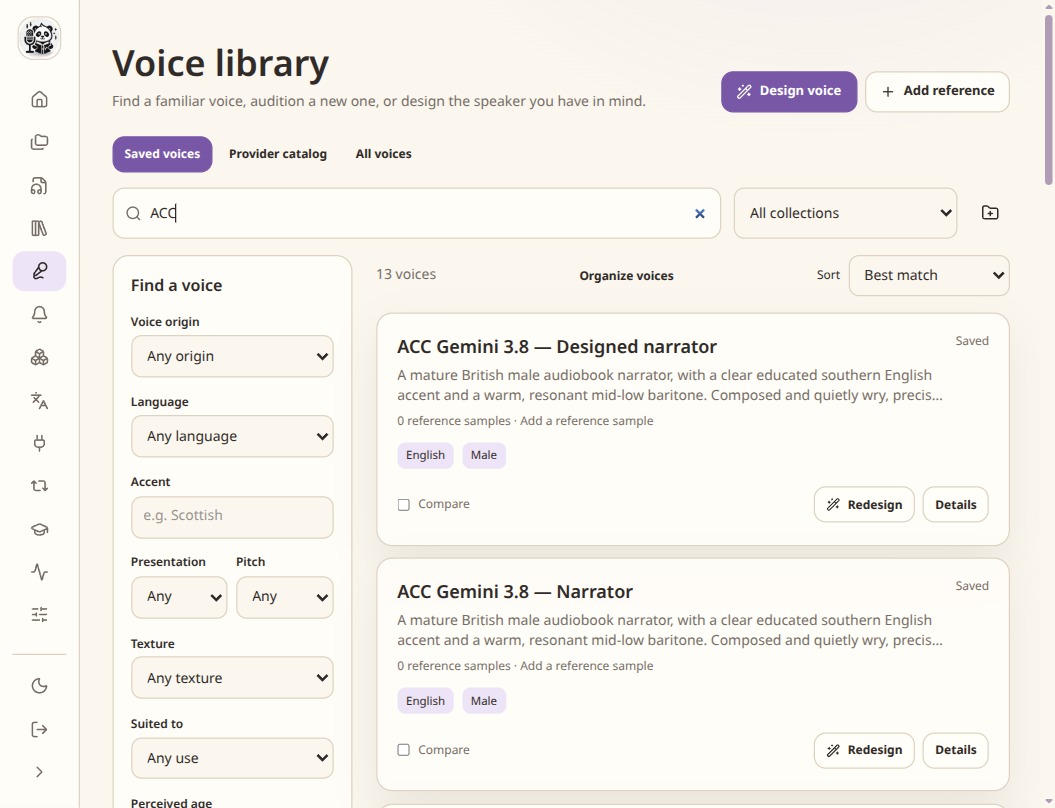
Saved references can be reused in compatible projects and models. Trim and check the recording
Choose a section containing one speaker, without long silence, music or overlapping voices. Use a reference in the language you want to generate: cloning can carry over the recording’s accent. Review the crop and, when useful, the denoised version. Listen to the saved sample before publishing it to a speech service.
Check the transcript
Transcribe the reference if needed, correct it against the audio, then mark it reviewed. Some models require matching reference text. A description of the person is not a substitute for the words in the recording.
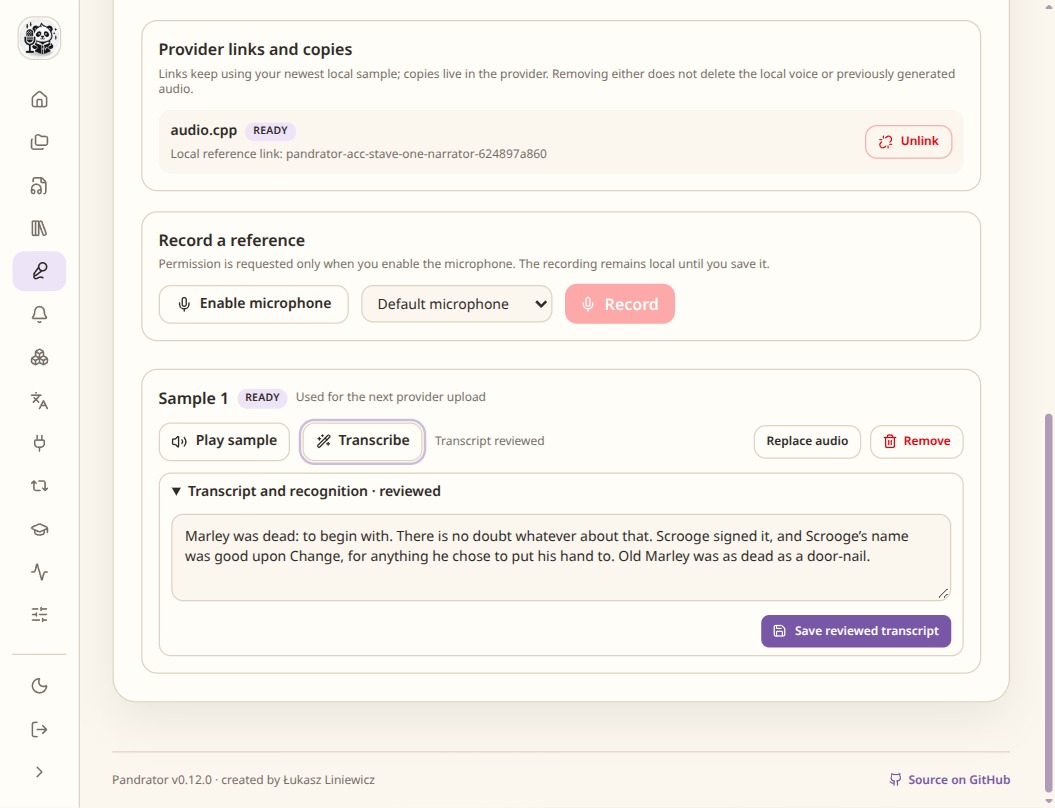
A reference recording and its transcript are prepared together. Prepare it for the selected model
Link or publish the reference to the supported speech service. Then select the managed voice in a project and test a short line. Voice design from a description, cloning from audio and RVC conversion are separate operations.
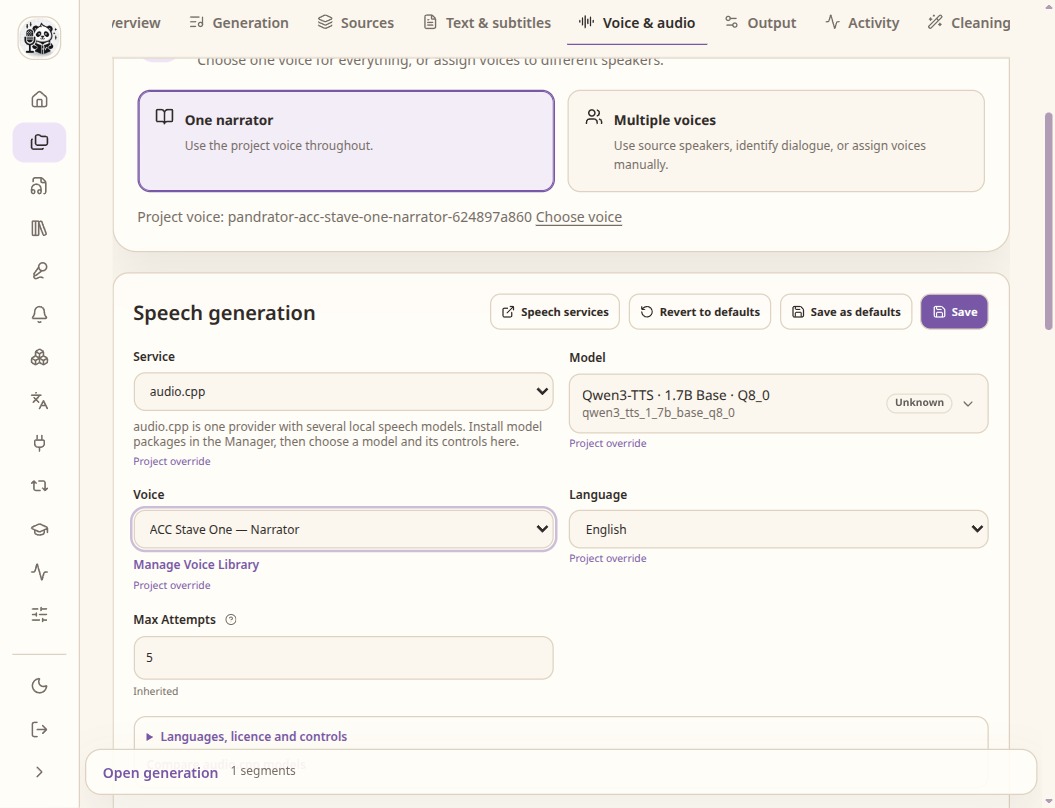
Service, model, voice and language are separate choices. Model controls vary.
Check the result
- Check that the service is running and the required model is installed.
- Confirm the reference transcript matches the saved crop.
- For a cloud service, check which reference material will leave your machine.