Audiobooks
Import documents, clean and segment the text, generate reviewable speech, and export chaptered M4B or common audio formats.
 Pandrator Audio · text · video
 Text, audio and video
Pandrator is an open-source app for turning text and recordings into audio, subtitles and narrated video. Run local models or connect a speech API, check each stage, and export the files you need.
Three starting points
Choose a starting task. You can inspect the text and audio, change a voice, or repeat a stage before exporting.
Import documents, clean and segment the text, generate reviewable speech, and export chaptered M4B or common audio formats.
Transcribe audio or video, correct and translate the result, edit timing and text, then export SRT or subtitle tracks.
Create speech from subtitles, synchronize it with media, and choose original, mixed, or dubbing-only audio.
Step by step
Prepare a book, correct captions, assign several voices or add sounds. Each guide follows a task through to a usable result.
Browse tutorialsListen and watch
Compare the same narration passage through selected models, and watch a video with a voiceover and captions.
Open the examplesA visible workflow
Import text, documents, subtitles, audio, video, or a supported public media URL.
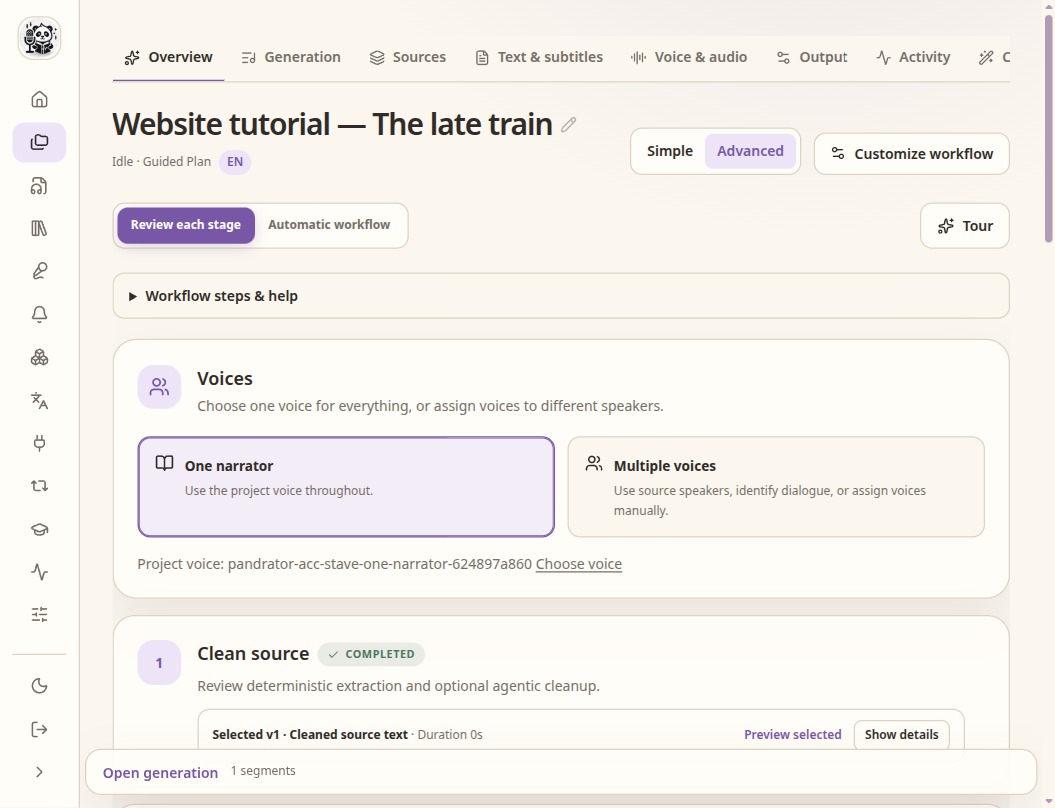
Inspect extraction, transcription, correction, translation, timing, and speech plans before moving on.
Use a local speech service, a configured commercial API, or a custom compatible endpoint.
Regenerate segments, compare takes and RVC variants, then assemble the required media.
Local and connected
Pandrator does not require a cloud account. It can also use commercial services where their quality, language coverage, or convenience is useful.
External providers may receive source text, subtitles, audio, or voice samples and may charge for usage. Review their terms before enabling them.
Voices and languages
Use a pre-built voice when you do not need a reference recording. Use a cloning model for a supplied sample. RVC is a later speech-to-speech conversion step, not a TTS model.
Common inputs and outputs
Documents, SRT, common audio and video inputs; M4B and common audio formats; MP4-oriented dubbed output with selectable tracks.