
Open Quick Transcribe
Choose Quick Transcribe in the left navigation. Upload an audio file or use recording when the browser allows it. This workflow does not need a project.
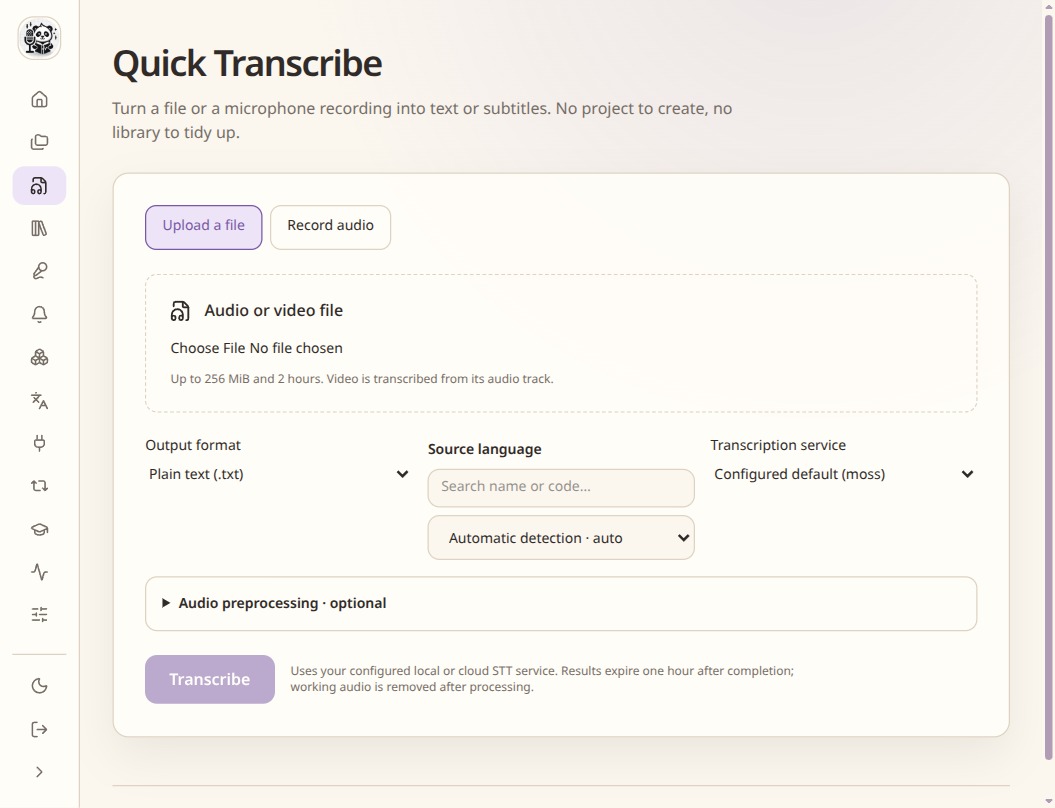
Quick Transcribe creates a transcript without a project. Select the engine and language
Choose the language and an engine that supports the result you need. For timed captions, check timestamp coverage as well as language recognition.
Run and save the result
Start transcription, review the wording against the audio, then save the text or subtitle result. Move to a subtitle project when you need corrections, translation or video output.
Check the result
- Check names, numbers and the end of the recording.
- Download the result you need before removing temporary transcription work.